See the whole job without calling the crew
Installed feet on the map the same day. Invoices from as-built footage. 811 status on every job. Every tracked truck live. One app, built on the jobsite by people who do this work.
Field operators use it free. Your plan counts only office staff, foremen and crew leads.

What changes on Monday
Three things an underground contractor gets paid for, and loses money on, every week
Bill what was installed
Crews mark each segment on the map from the phone. The footage follows the print stations and is checked against the reel readings, so the invoice is what went in the ground, not a guess.
Know who is where
Every tracked truck and every job's progress on one live map, and the day's crew lineup on one screen. The office opens the app instead of calling the field for a status.
Dig only on a clear ticket
Every 811 ticket with its responses, its expiry and the jobs it covers. Each job and drop shows whether it is clear to dig before anyone starts.
How it works
From a new job to a billed, documented one in four steps
Build the scope
Lay out roads, structures and runs, or import your drop list and prints.
Schedule and assign
Set the crews for the day with their trucks and the 811 clearance for each job.
Log work in the field
Tap the map to mark footage, take GPS-stamped photos, scan receipts, check in the truck.
Bill and show your work
Approve the day, export invoices to QuickBooks from the ledger, and keep a record of who changed what.
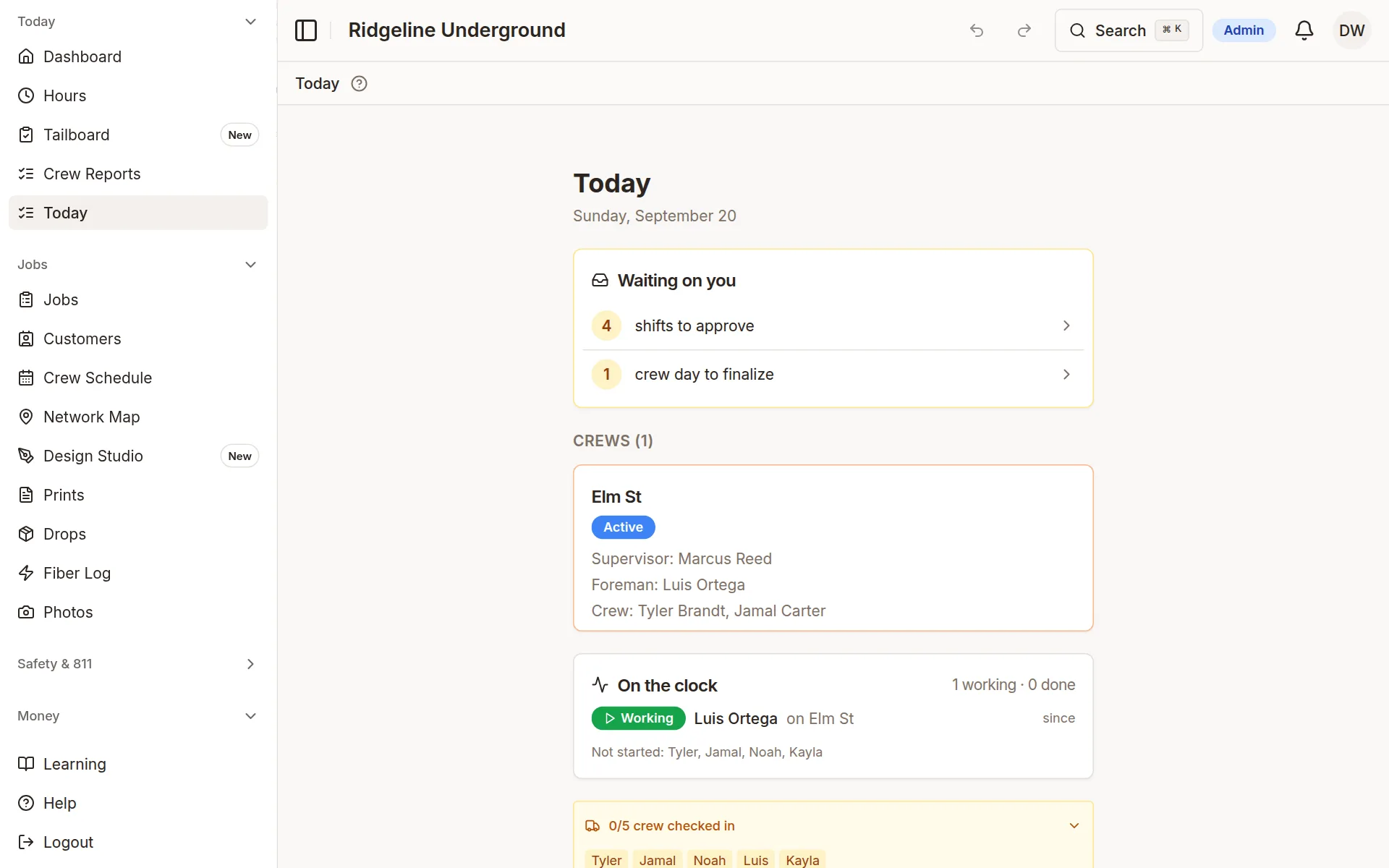
The day, on one screen
Shifts waiting on approval, which crews are on which job, who is on the clock and which trucks are checked in.
- Live locations for every truck with a tracker
- Driver scores from Linxup trip and alert data
- The crew lineup for the day
Sample company data
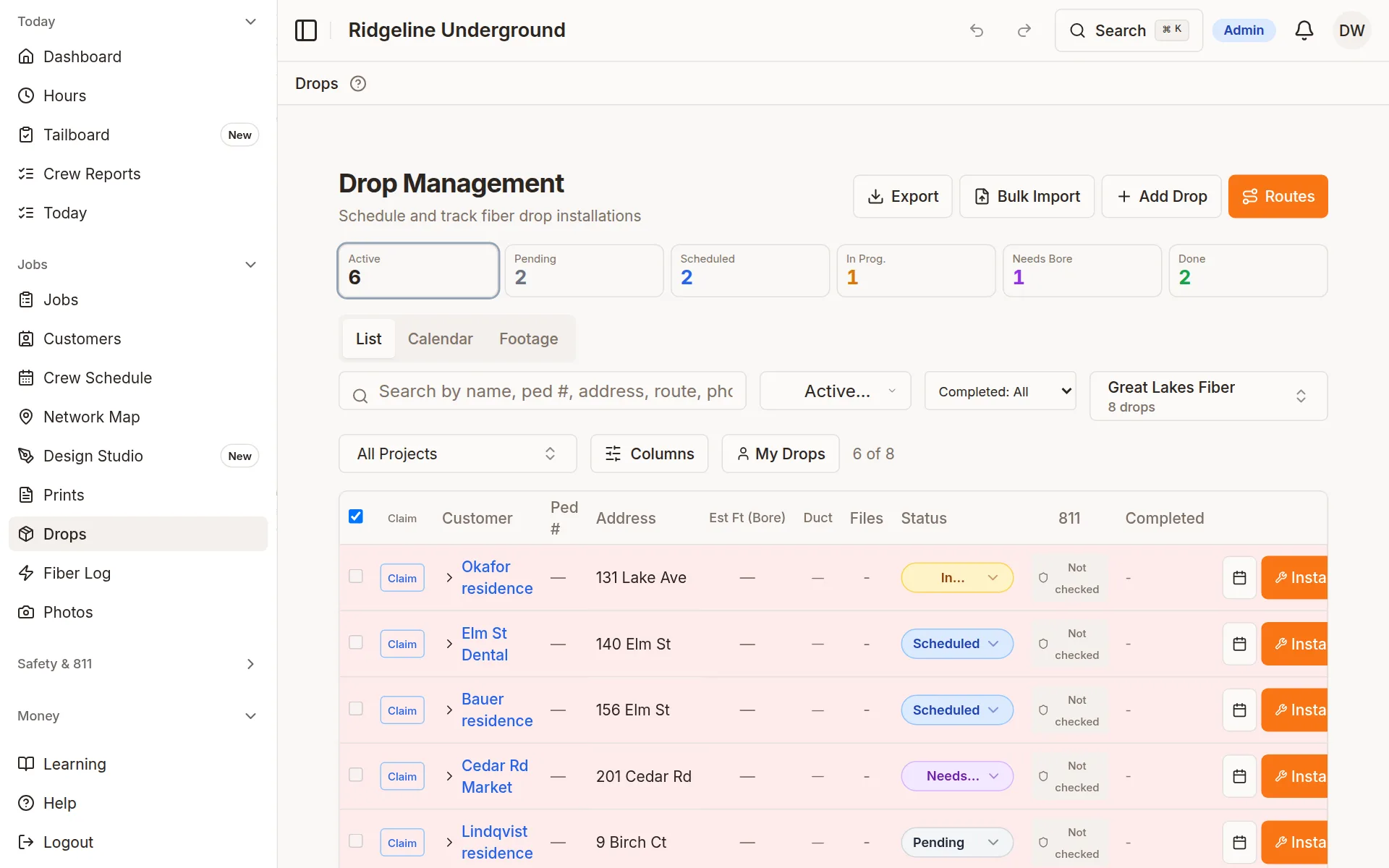
Drops, done right
Import a batch of drop sheets and every drop keeps its own sheet, ready for the install crew and the redline.
- Bulk-import drop sheets and attach each to its drop
- Complete and redline drops from the field
- Every drop with a location on the project map
Sample company data
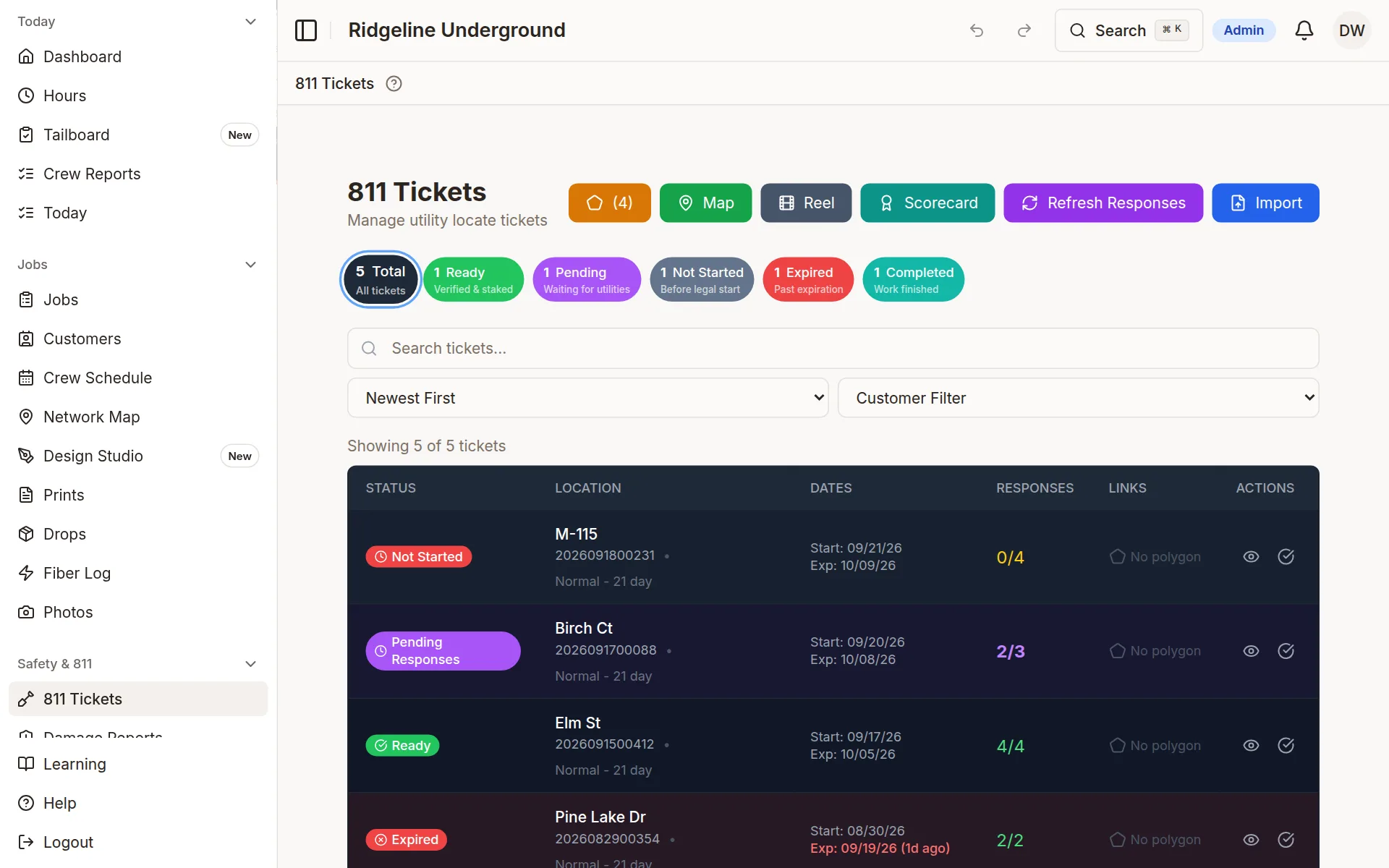
811 clearance, ticket by ticket
Upload a Michigan 811 ticket PDF and the details are read for you; other states import from Excel. Status and days to expiration on every ticket, dig areas drawn on the map.
- A dig status on every job and drop
- Utility responses tracked per ticket
- Expiring tickets flagged before the crew rolls
Sample company data
Built by people who do this work
Bore-ON is not a generic project tool with a fiber sticker on it. It is built and used every day by a working fiber and underground construction company, on the same phones the crews carry in the truck.
What the field asks for gets built by people who know why it matters. Read our story
Run the whole operation on one app
Projects, crews, trucks, 811 tickets, receipts and drops in one place, with a record of who changed what.
30-day free trial. No credit card.